





How do I change my username?
Guide to changing your username on your profile
Obsługa Housebets · Zaktualizowano 3 mar 2026
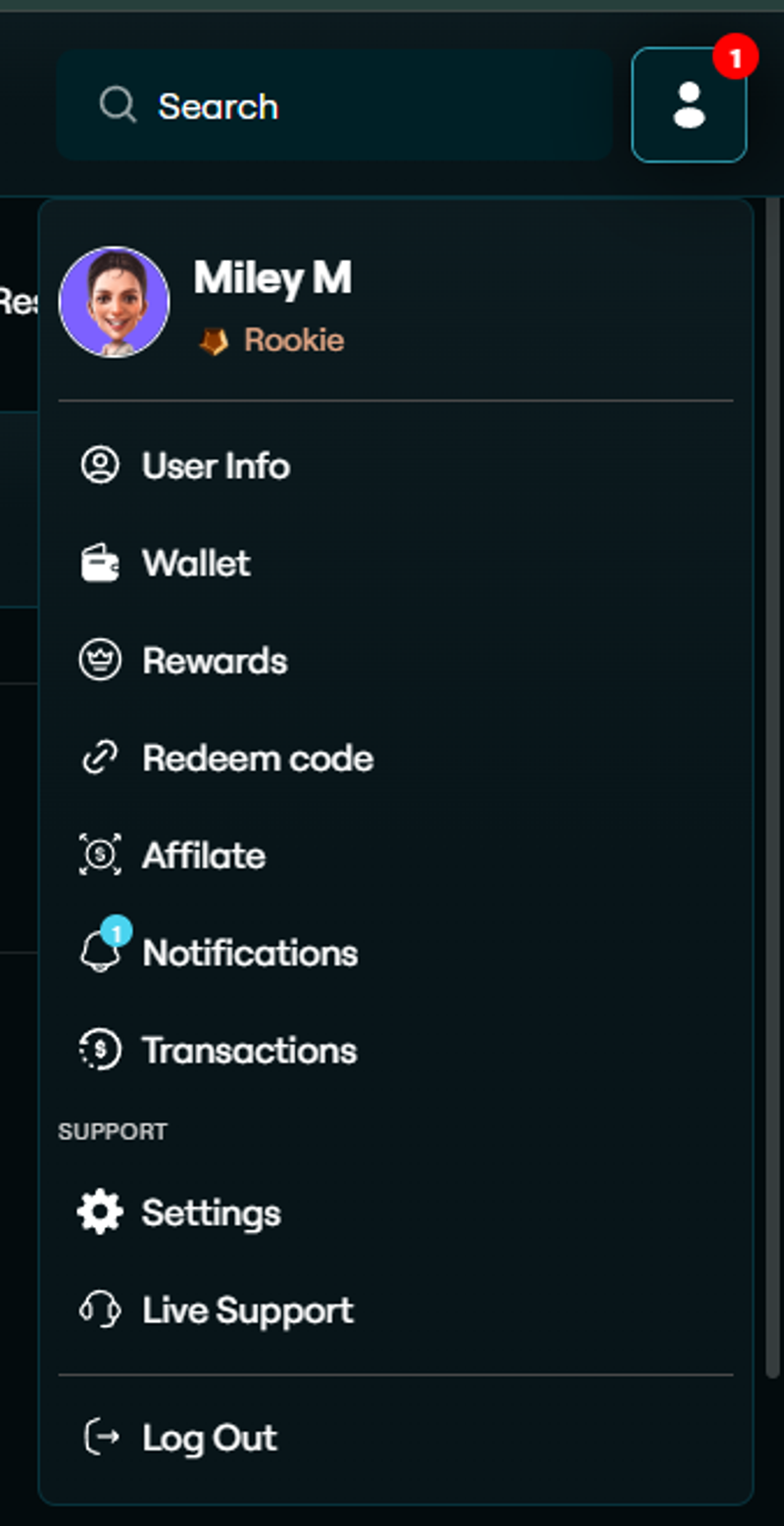
To change your name on Housebets, click on your profile in the top-right corner, go to Settings, and then click Edit next to your name.
After making changes, click Save to update it.

Your username will be updated accordingly.